

IBM Maximo inspection forms: eight major benefits
Are you still recording your inspection data for your maintenance manually or in Excel? With the inspection forms from IBM Maximo, you can significantly simplify and streamline your inspection process. When used correctly, they are a powerful tool for your maintenance management. In this first of a series of two blogs, we discuss eight important benefits of using inspection forms.
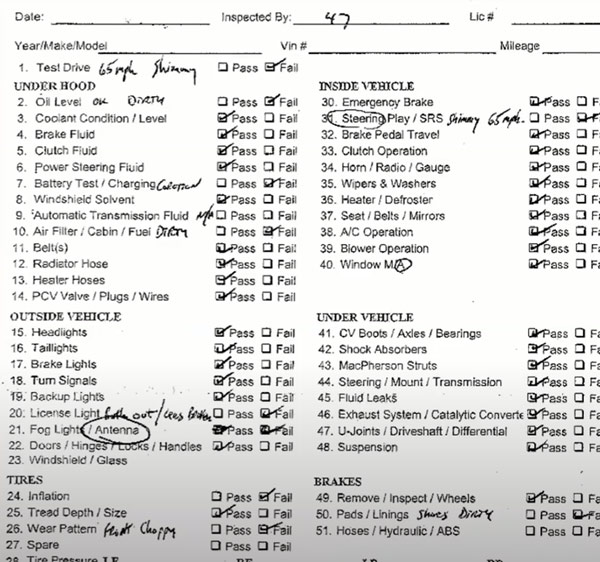
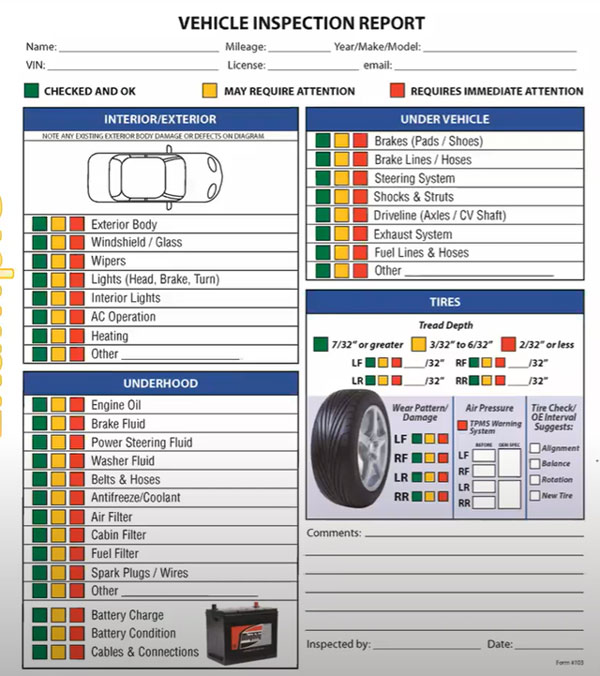
 1. All maintenance inspection data directly in IBM Maximo
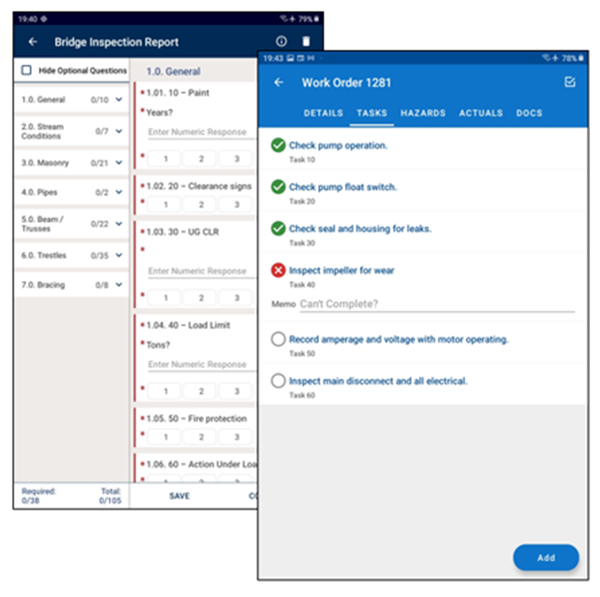
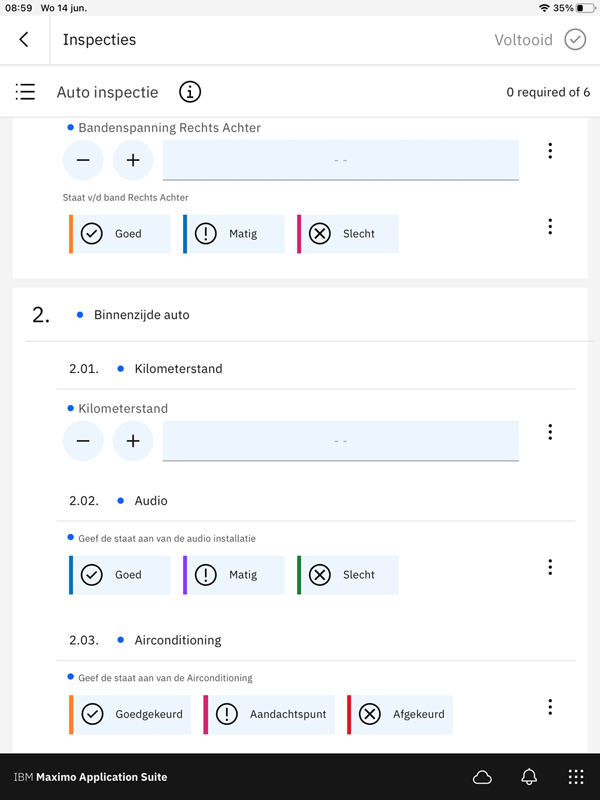
Your maintenance inspectors enter their inspection results directly into IBM Maximo, wherever they are. They can do this easily via the software’s web browser or using the IBM Maximo Mobile App. This smart mobile app also enables offline input. So even in locations without network coverage, your inspectors can easily record data about their maintenance inspections. The speech-to-text capability of IBM Maximo Mobile is also very useful. This allows them to simply speak their findings.
2. Simple internal and external maintenance reporting
Because the inspection results are directly in the IBM Maximo database, you can quickly create up-to-date reports of the inspections performed. Not only for your own organization, but also for clients for whom you perform maintenance work and with whom you have performance agreements. With a few mouse clicks, you can make the delivered performance transparent.
3. Always insight into inspection data
Based on the inspection results you have recorded with the forms, you determine which KPIs are important to gain good insight into the performance of your assets and your organization. Such a KPI could be, for example, that 80 percent of the inspection rules have the qualification ‘sufficient’. This way you keep a close eye on the health of your assets and the quality of your maintenance work.
4. Automated follow-up actions on maintenance inspections
Do your maintenance inspectors come across things that need to be done? Based on the data they enter during an inspection, IBM Maximo automatically triggers appropriate follow-up actions. This includes creating additional work orders or sending emails when inspection results deviate. You do not need to set up a separate workflow in IBM Maximo for this.
5. Choose meters yourself in inspection forms
You can have inspection data recorded in the forms in various ways. When creating the inspection forms, you set so-called meters for this. Such a meter can simply be a number, for example the number of operating hours of an asset. But you can also use a checklist as a meter, for example ‘good/moderate/bad’.
6. Conditions built into inspection forms
The more accurate and complete the data from your maintenance inspections, the better your insight into the condition of your assets and know what maintenance needs to be done. You can do this by including conditions in your inspection forms. This way, your maintenance inspectors cannot continue without having entered certain data. For example, they must: – put a photo of it in the system if an asset is damaged – explain in a comment why the result is not good if the inspection result is insufficient or poor – fully complete the inspection form in order to complete the linked work order
7. Linking inspection forms with preventive maintenance
8. Changes to inspection forms always transparent
Have there been changes to your inspection forms? Unlike in Excel, for example, you always see this in IBM Maximo by using version management. This prevents you from comparing apples to oranges, because things are measured or recorded differently.
Make optimal use of the IBM Maximo inspection forms! With the
Look at alle blogs
- Alle blogs
- Blog
- Blogs
- Case
- Data analytics
- Employees
- Energy
- Event
- Manufacturing
- Mobile
- Oil & Gas
- Other
- Other
- Pharma
- Service Sector
- Whitepaper



Would you like to discuss your asset management challenges?

Want to know more?
Want to know more about the benefits of inspection forms in IBM Maximo? Contact Gerben ter Horst: +31 (0)6 – 14 57 21 19 or g.terhorst@gemba.nl.